Big Display · for Android
Turn your screen into a sign.
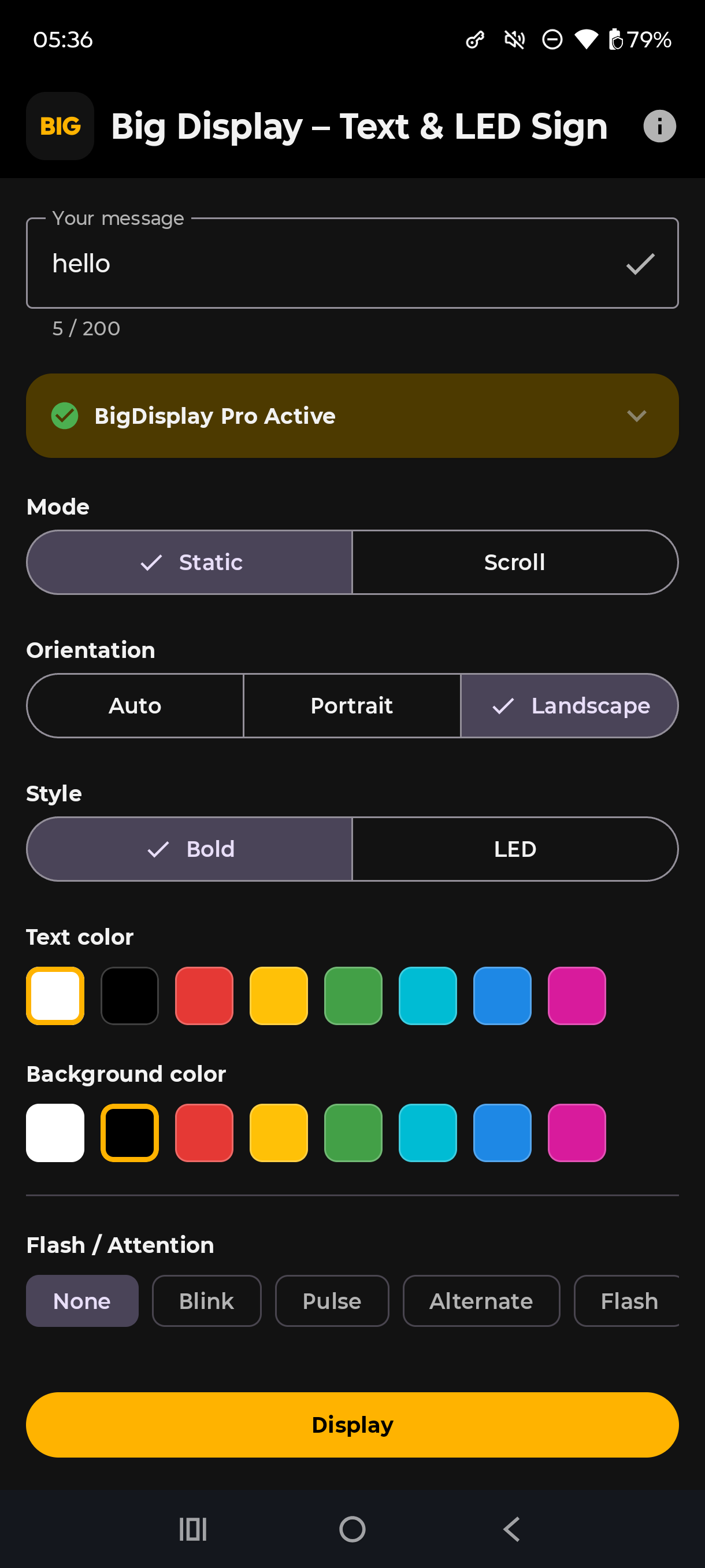
Type a message, pick a mode, and go fullscreen. The fastest way to display something people can actually read from across the room — no ads, no account, works completely offline.
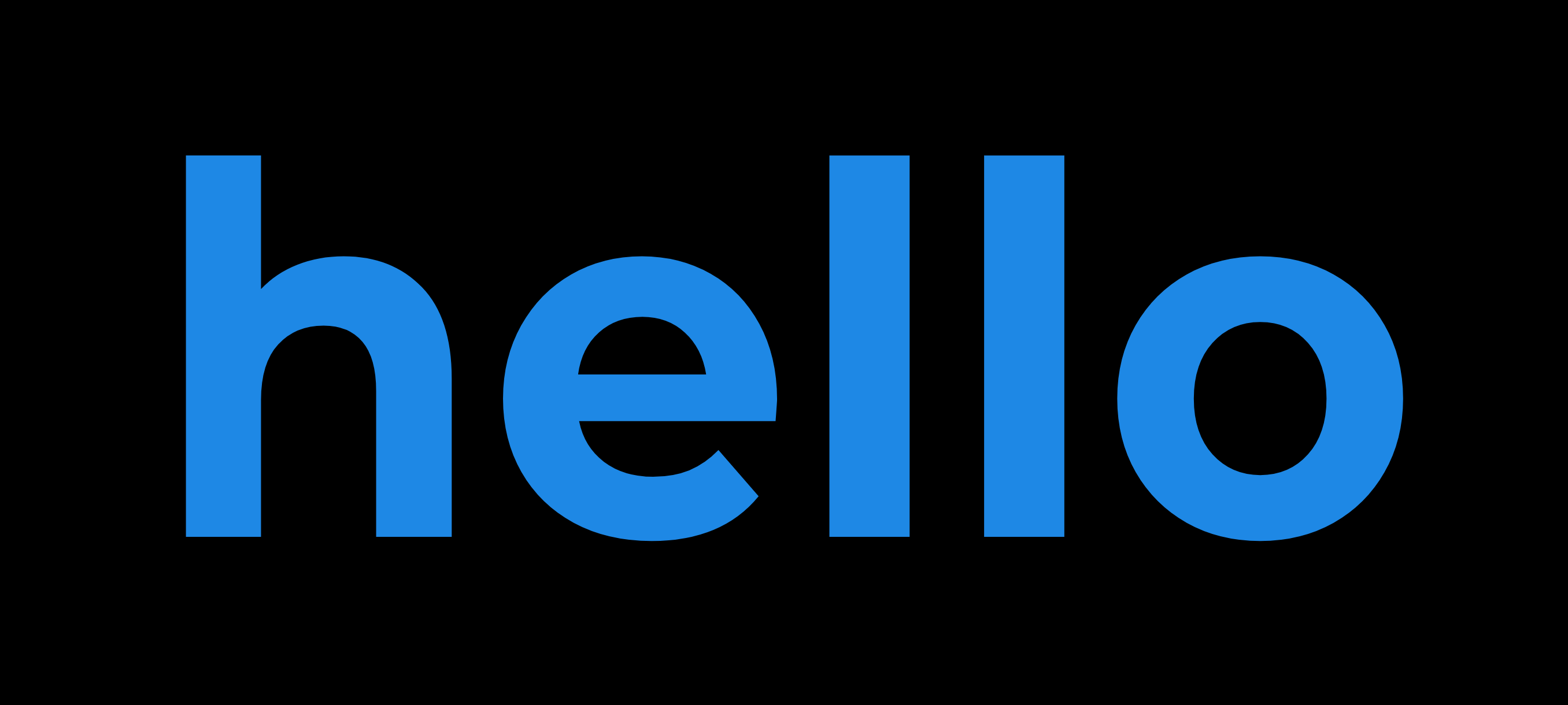
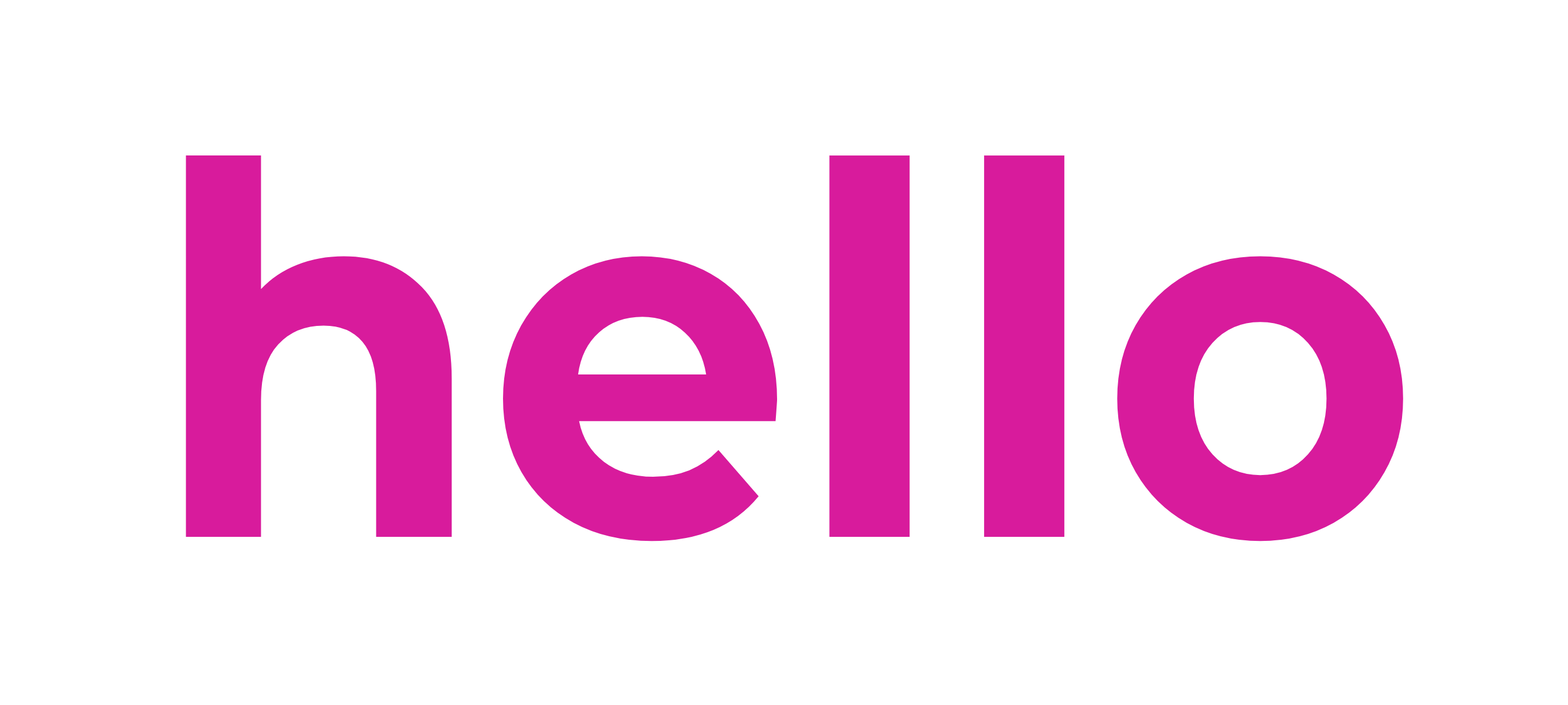
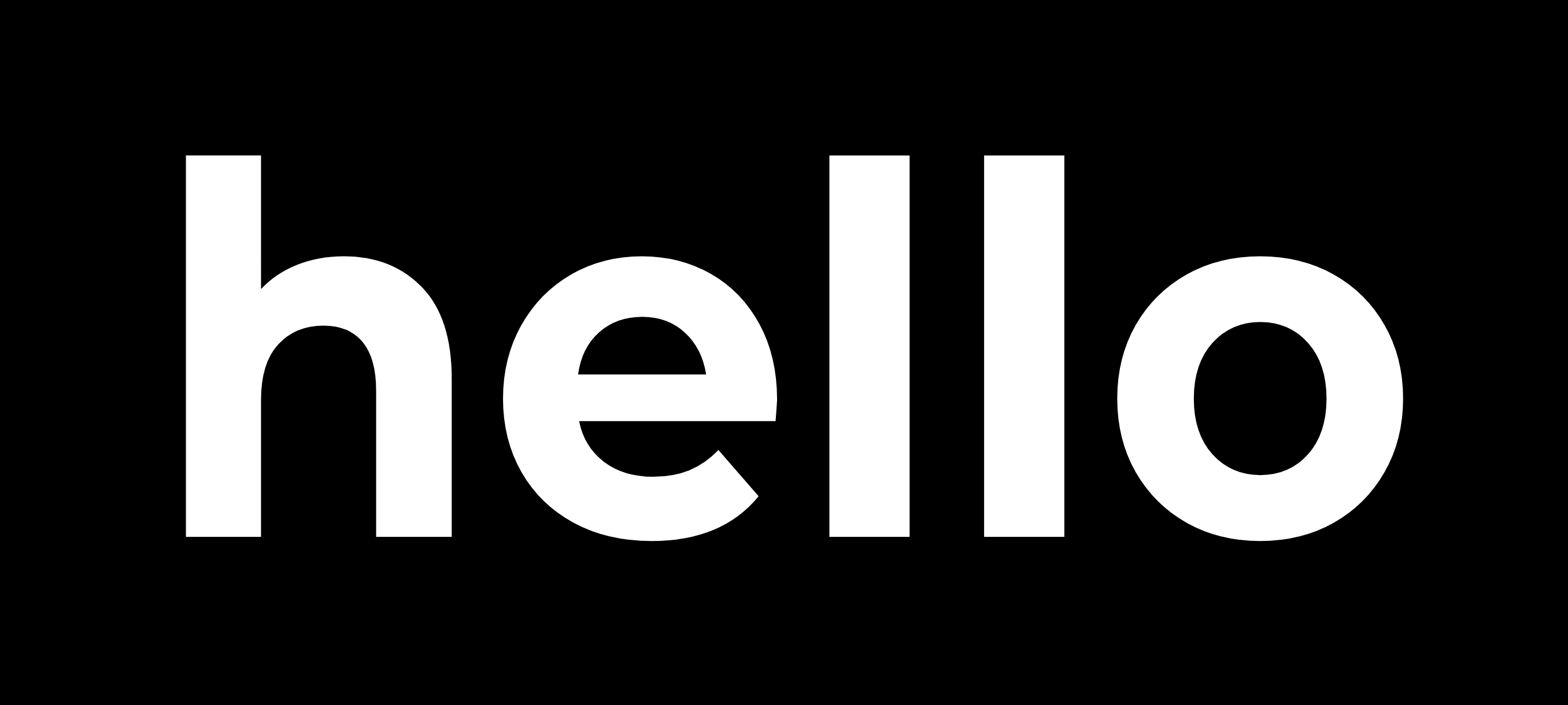
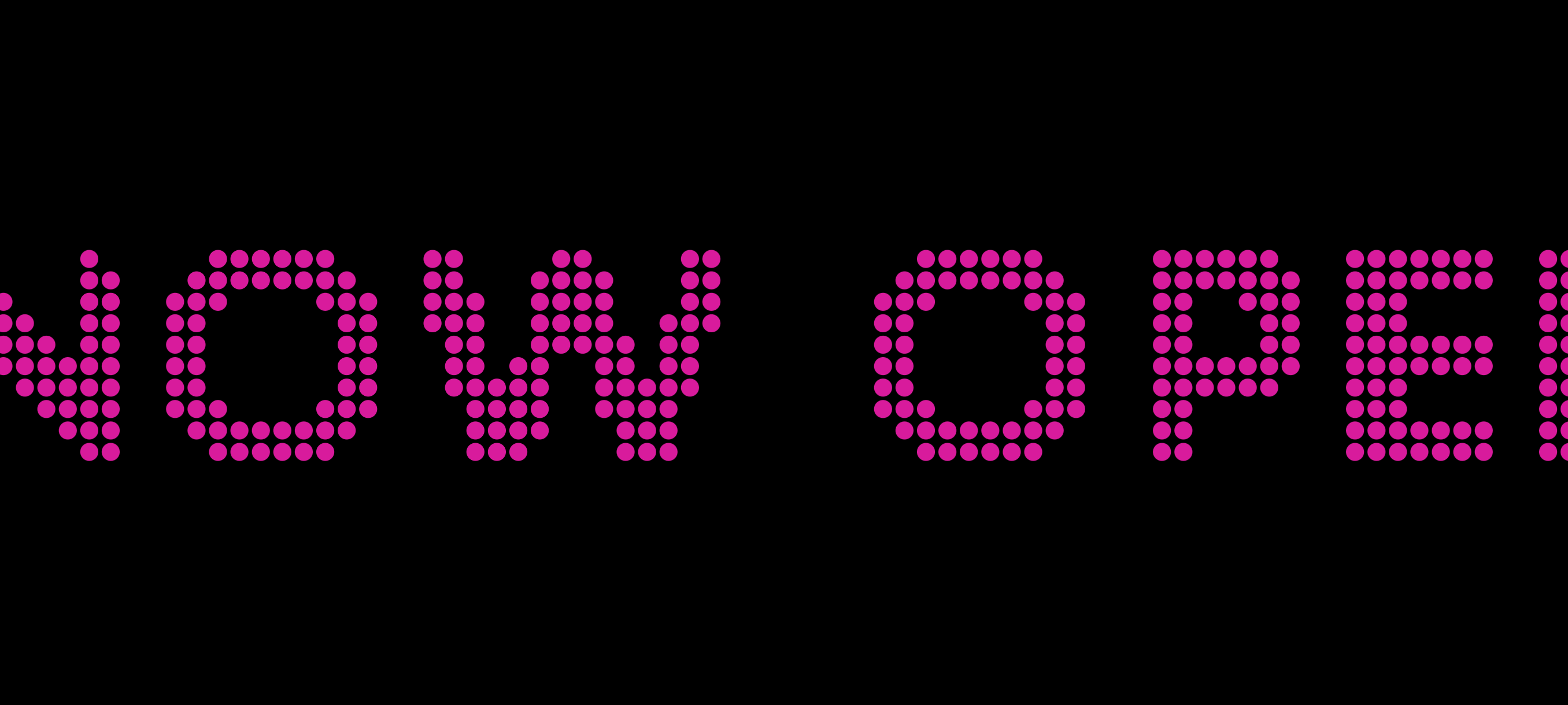
↑ Example — type anything, in any color
How it works
No setup, no sign-in — open the app and you're already most of the way there.
Type your message
Then pick Static or Scroll, a bold or LED-style look, and any text and background color.
Tap Display
Your message fills the screen — auto-sized, fullscreen, and locked to whatever orientation you need.
Tap anywhere to stop
Back to the editor instantly. No dialogs, no confirmation screens in the way.
See it in action
Set it up in seconds, then fill the whole screen with your message.
Phone, tablet, or TV
Big Display is an Android app for your phone or tablet — and since it's just full-screen text and color, it looks just as good cast or mirrored to a TV.
Phone
The fastest option — pull it out and prop it in a window, at a register, or on a desk.
Tablet
A bigger, steadier sign for a counter or stand — same app, same setup, more screen.
TV
Cast or mirror your phone or tablet's screen to any TV or Chromecast for a sign the whole room can read.
Why Big Display
This category is full of subscriptions that cost more per year than the phone case you're using the sign in. We picked a different model.
Typical sign apps
- $10–19 per week subscriptions
- Long forced ads before you can display anything
- Nag screens pushing you toward the paid tier
- Account sign-up often required
Big Display
- Pro is a one-time purchase — pay once, keep it forever
- No ads, anywhere, ever
- The free tier is a complete tool, not a trial
- No account, no sign-up, works fully offline
Free vs. Pro
The free version is a genuinely complete tool — Pro adds a few extras on top, as a one-time purchase, not a subscription.
Free
$0
- Static and Scroll modes, in any text and background color
- Scroll speed, direction, gap, and loop controls
- Keep screen awake and orientation lock
- Up to 3 saved messages
- No ads, no account, fully offline
Pro
One-time purchase, lifetime access
- LED / dot-matrix display style
- Flash & Attention modes — blink, pulse, alternate, flash, SOS
- Unlimited saved messages
- Maximum brightness override